

Walk into any Fort Myers restaurant lately and you’ll see them everywhere. Little black-and-white squares on the table, on the wall, taped to the bottom of the bill. QR codes have taken over Southwest Florida’s hospitality scene. Convenient, sure. But scammers noticed too, and they’ve been busy.
Microsoft’s latest report flagged a 146% jump in QR code phishing (also called quishing) in just the first quarter of 2026. Quishing now accounts for roughly 12% of all phishing attempts globally, and Fort Myers small businesses are squarely in the crosshairs because so much of our local economy runs on quick scans and mobile payments.
Most cybersecurity tools your business already pays for can’t catch a malicious QR code. They were built to scan email body text and links, not images. By the time the threat hits your phone screen, you’re already past most of your protection.
What quishing actually is and why it slips through
Quishing is phishing using QR codes instead of clickable links. An attacker sends you (or your staff, or your customer) a QR code. You scan it. It opens a fake login page or downloads malware. Done.
The reason this works so well is structural. Email filters parse text. QR codes are images, so the malicious URL hides inside pixels until somebody points a camera at it. Microsoft’s data showed a 336% spike in March 2026 alone of QR codes embedded directly in email images, no attachment needed.
Then there’s the mobile problem. When you scan a QR code with your work phone, you’ve stepped outside your office firewall, your DNS filter, and most of your endpoint protection. The phone browser opens whatever URL was in the code, and 73% of users don’t check the destination before tapping through.
How QR code phishing hits Fort Myers small businesses
Local businesses get targeted in a few specific ways, and I’ve seen all of them in the wild around Fort Myers and Cape Coral over the last few months.
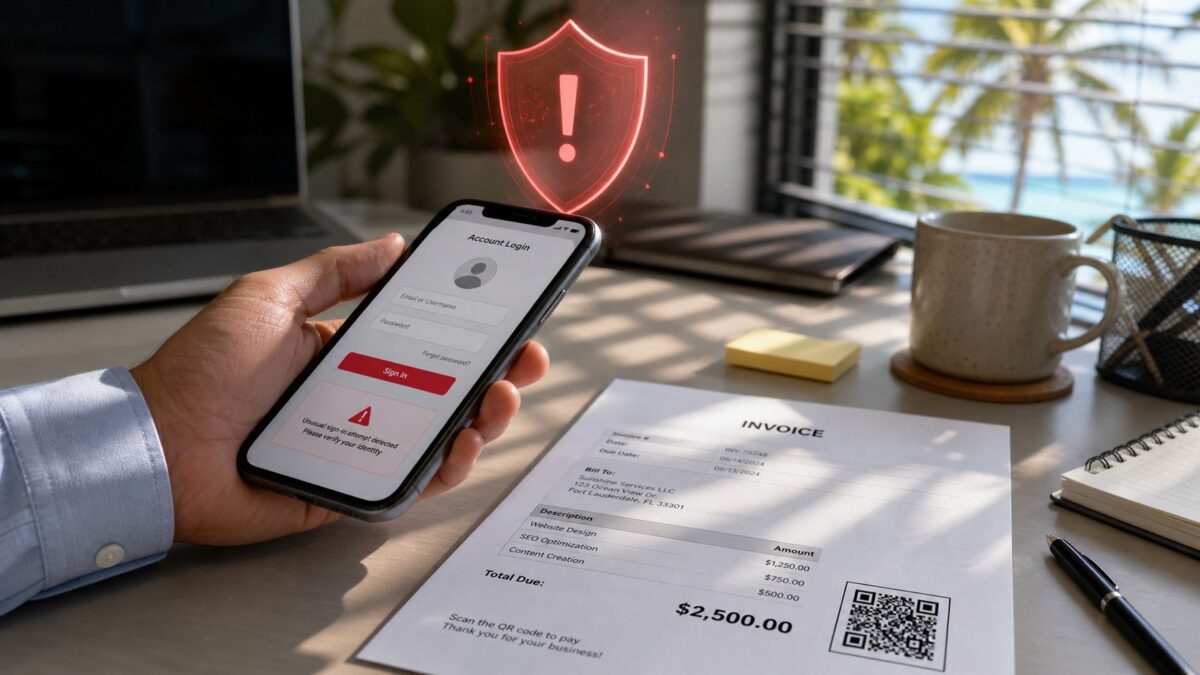
Fake invoice scams. An attacker spoofs a vendor email and includes a QR code “for fast payment.” The owner scans, lands on a credential harvest page mimicking QuickBooks or a bank login, and types in their credentials. Money gone before anyone realizes.
Sticker overlay attacks. This one’s hitting Fort Myers tourist areas hard. Someone slaps a printed QR sticker over the legit one on a parking meter, restaurant table tent, or storefront sign. Customers scan, pay a fake fee, and the real business looks responsible. I had a client in Bonita Springs deal with this exact scenario last month at their cafe.
“MFA reset” pretexts. Employee gets an email saying their Microsoft 365 multi-factor auth needs reauthorization. There’s a QR code to “verify on your phone.” Scan it, hand over your credentials and session token, and the attacker now owns your business email. Naples saw a wave of these in February targeting professional services firms.
Vendor email compromise plus QR. Attackers compromise a real supplier inbox, then send legitimate-looking PDFs with QR payment links. The branding is real, the email thread is real, only the QR code is malicious. This is a nightmare to detect because the email passes every authentication check.
What’s different about quishing in 2026
The attacks themselves got smarter. AI tools build phishing landing pages that perfectly mirror Microsoft 365, Stripe, or your bank in under a minute. They even adapt to whoever is loading the page. Scan from an iPhone? You get an iOS-styled prompt. Android? Different page, same theft.
Attackers also figured out that putting QR codes inside PDFs, calendar invites, or signature blocks gets past the latest detection tools. Some are using rotating QR codes that change destinations every few hours, which makes blacklisting useless.
And the social engineering keeps getting better. Codes show up wrapped in messages claiming to be from FedEx, the IRS, your IT provider, or even local utilities like LCEC. The pretexts feel real because they reference actual local events, recent storms, or specific businesses in the area.
What Fort Myers businesses should do about quishing
Train staff to treat every QR code as suspect. If a code shows up in an email, even from a vendor you trust, don’t scan it from your phone. Type the URL or use the company’s known login portal instead. This sounds basic but it stops most attacks cold.
Inspect QR destinations before tapping. Most phone cameras now show the destination URL when you hover over a code. If the domain looks weird, doesn’t match the supposed sender, or uses a URL shortener like bit.ly, walk away. Some MDM solutions can also preview and sandbox QR scans on company-managed phones.
Switch to phishing-resistant authentication. Passkeys and FIDO2 hardware keys make credential theft basically useless. Even if someone scans a fake login page and types their password, the attacker can’t complete the login without the physical key. This is the single biggest upgrade most small businesses can make this year.
Use AI-aware email filtering. The old-school filters don’t catch image-based phishing. Newer security suites, including Microsoft Defender for Office 365 and several mid-market options, now scan QR images and flag them before they hit your inbox. Worth the upgrade if you haven’t already.
Physically verify QR codes on signage. If your restaurant or storefront uses QR menus or payment codes, check them weekly. Look for stickers placed over the real code. Train staff to spot tampering. A 60-second walk-around can save you from a customer complaint disaster.
For more on QR phishing patterns, the CISA advisory on QR-based attacks has good background on what’s currently active.
Cybersecurity help in Fort Myers
QR code phishing isn’t slowing down. The 146% growth Microsoft tracked in Q1 will probably double again by year-end as AI tooling gets cheaper for attackers. Small businesses in Fort Myers, Cape Coral, Bonita Springs, and Naples that don’t have enterprise IT budgets are the ones getting hit hardest right now.
HenkTek handles managed IT and cybersecurity for small businesses across Southwest Florida. We can audit your email filtering, set up phishing-resistant MFA, train your team, and monitor for credential theft if something does slip through. If you’ve gotten suspicious QR codes lately or just want to know if you’re exposed, give us a call at (239) 234-2334 or reach out for a free consultation. Better to ask now than after the wire transfer goes out.

HenkTek is a local IT company in Fort Myers that looks after the technology Southwest Florida businesses depend on, from Cape Coral and Bonita Springs to Naples. We handle managed IT, cybersecurity, backups and help desk support, and we explain things in plain English.