

Most Fort Myers business owners figure their Wi-Fi is fine. They set it up years ago, it works, and nobody’s complained. That’s actually the problem.
A router you haven’t thought about in three years is a router that probably hasn’t been updated, still uses the default password, and may be broadcasting your business network alongside your guest network with zero separation. Hackers love setups like that, and they aren’t only after big companies. Small businesses in Fort Myers, Cape Coral, and Bonita Springs get hit constantly because they’re easier targets.
Here are four Wi-Fi security mistakes we see all the time when doing network audits for local businesses, and what you can actually do about each one.
Mistake 1: you’re still using the default router password
This sounds almost too simple, but it’s the most common issue we find. When a router ships from the factory it comes with a default admin password, something like “admin” or “password123”, and a lot of businesses never change it.
If someone gets onto your network (a former employee, a customer in your waiting room, or just someone who cracked your Wi-Fi password), they can log into your router with a quick Google search for the default credentials. Once they’re in the admin panel, they own your network. They can redirect traffic, set up backdoors, or just sit and monitor everything going in and out.
What Fort Myers businesses can do: Log into your router’s admin page, usually at 192.168.1.1 or 192.168.0.1, and change the admin username and password to something unique and strong. Not the same password you use for anything else. If you can’t get in or don’t remember the credentials, a local IT provider can reset and reconfigure it properly.
Mistake 2: your customer Wi-Fi and your business network are the same thing
If you offer guest Wi-Fi in a waiting room, on a retail floor, or anywhere customers sit, that traffic should be completely isolated from your internal business systems. Most small businesses in Southwest Florida run everything on a single network without realizing it.
When a customer connects to your Wi-Fi, they can potentially see shared folders, printers, and other devices on the same network. In a medical or legal office that’s a compliance problem. In any business, you’re giving strangers a path to your point-of-sale system, accounting software, and internal files.
Most routers sold in the last few years have guest network features that create real separation between traffic. It takes about 10 minutes to set up properly and makes an enormous difference.
What Fort Myers businesses can do: Enable a separate guest SSID and make sure network isolation is turned on. Your customers get internet access; they can’t see anything else. If your router is more than 5 or 6 years old, it may not support this properly, which is worth knowing sooner than later.
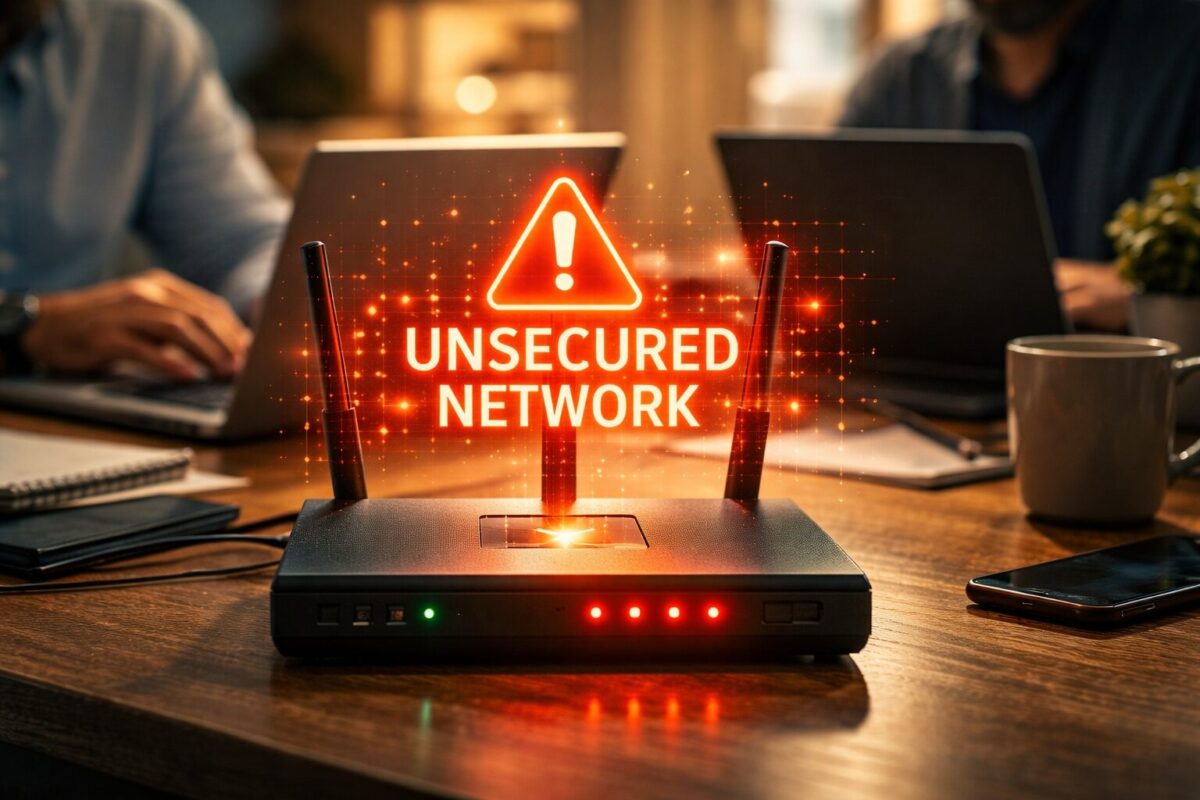
Mistake 3: nobody’s updated the router firmware in years
Routers run software, and that software has security bugs. Manufacturers push out firmware updates to patch them, sometimes serious ones, like vulnerabilities that let attackers intercept traffic on your network, but those updates don’t install themselves.
According to CISA, unpatched network devices are consistently among the top entry points attackers use against small businesses. Being in Fort Myers doesn’t make you any less of a target. If anything, smaller companies are often easier to hit precisely because they skip this kind of routine maintenance.
What Fort Myers businesses can do: Log into your router admin panel and check for firmware updates. Some newer routers support auto-update, turn that on if available. If yours doesn’t, set a quarterly reminder to check manually. Managed IT support can also handle this automatically so you’re never running outdated firmware without knowing it.
Mistake 4: you have no idea what’s actually on your network
Do you know how many devices are connected to your Wi-Fi right now? Most business owners don’t. A neighbor could be piggy-backing your connection. A compromised device could have been sitting on your network for months. Without monitoring, you won’t know.
By the time you notice something’s wrong, strange network slowdowns, unexpected charges, a data breach notice, the damage is usually already done. The FBI’s Internet Crime Complaint Center gets thousands of business network intrusion reports every year from companies that had no idea there was a problem until it was too late.
At minimum, log into your router periodically and check the list of connected devices. More reliably, a network monitoring setup can alert you the moment something unexpected shows up.
What Fort Myers businesses can do: Ask your IT provider to set up device monitoring and alerts on your network. HenkTek offers managed network monitoring for businesses throughout Fort Myers, Cape Coral, Bonita Springs, and Naples, so you find out immediately when something’s off, not weeks later after the damage is done.
Wi-Fi security in Fort Myers: worth an audit
None of this is rocket science once you know what to look at. But a lot of local businesses are running on networks that haven’t been seriously reviewed since they were first set up.
If you’re not sure where your Wi-Fi security stands, we offer free consultations for Fort Myers area businesses. We’ll look at your setup, flag the real risks, and give you a clear answer on what actually needs fixing, no jargon, no pressure. Reach out here to schedule yours. It takes about 30 minutes and could save you a serious headache.
More from HenkTek
- Data Backup and Disaster Recovery Guide
- Managed IT Services in Fort Myers
- Video Surveillance Solutions

HenkTek is a local IT company in Fort Myers that looks after the technology Southwest Florida businesses depend on, from Cape Coral and Bonita Springs to Naples. We handle managed IT, cybersecurity, backups and help desk support, and we explain things in plain English.