

Heads up: some links in this post are affiliate links, which means HenkTek may earn a commission if you buy through one. It costs you nothing extra and it does not change what we recommend.
Hurricane season opened June 1, and if you run a business anywhere around Fort Myers you already know the routine. Plywood, water, gas for the generator. The thing most owners forget is their data. Your cloud backup is great right up until the internet has been down for four days and you need a file now. That’s where a small rugged backup drive Fort Myers business owners can toss in a go-bag earns its keep.
I’ve been running the Samsung T7 Shield as the off-site copy in my own backup routine, and it’s turned into the drive I point clients to when they want something simple. No NAS to set up, no monthly fee. Plug it in, copy what matters, keep it somewhere safe. Here’s how it holds up and whether it’s worth the money right now.
What the T7 Shield actually is
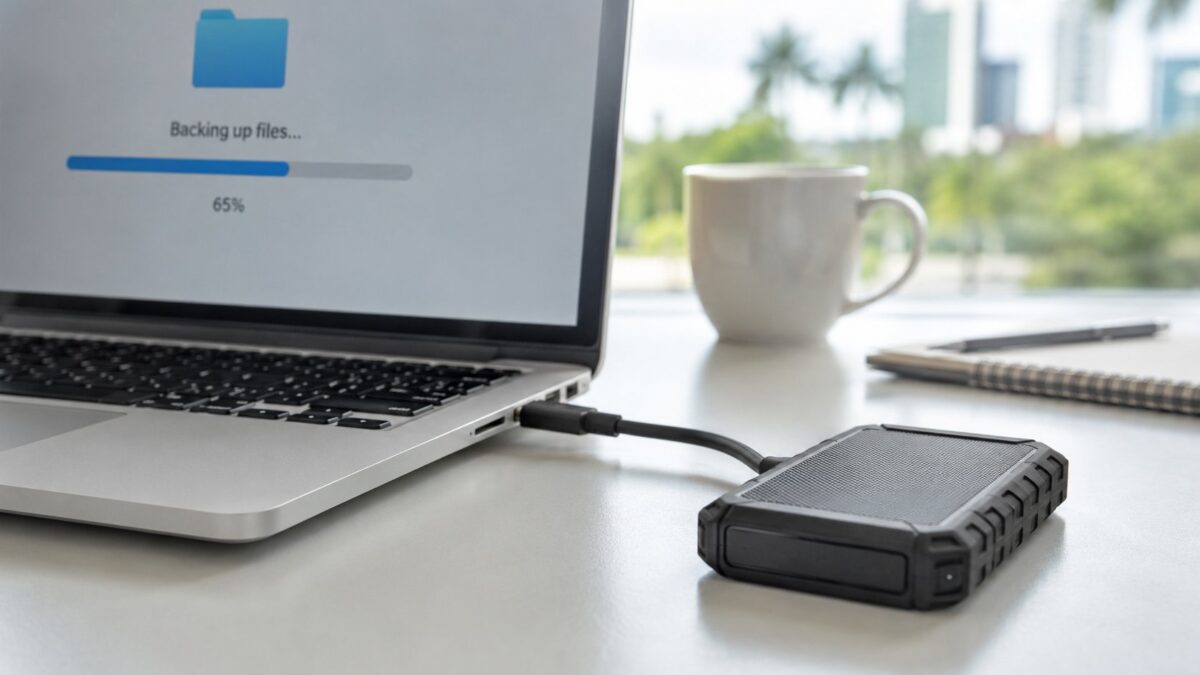
It’s a pocket-sized SSD wrapped in a rubberized shell. IP65 rated against water and dust, and Samsung says it survives a drop from about 9 feet, which the shell handles fine. Read and write speeds run up to roughly 1,050 MB/s over USB 3.2 Gen 2. It ships with both a USB-C to C cable and a USB-C to A cable, so it plays nice with a new laptop and an older desktop both.
A 2TB unit weighs almost nothing and basically disappears into a laptop bag. No moving parts inside, so a bump in transit won’t kill it the way it might an old spinning drive. It’ll read on Windows, Mac, and a good chunk of POS systems and cameras too.
The backup drive Fort Myers businesses should keep handy
Ian taught a lot of Southwest Florida owners that “the cloud has it” stops being a plan when the power and the internet are both gone. A physical copy you control, kept off-site at your house, a relative’s place in Cape Coral, or a safe deposit box in Naples, is the piece people skip. The standard advice is the 3-2-1 backup rule: three copies, two kinds of storage, one off-site. The T7 Shield is the off-site “one” you can grab on your way out the door.
What Fort Myers businesses can do: keep one encrypted copy of your books, customer records, and tax files on a drive like this. Update it weekly. Store it somewhere that won’t flood. Samsung’s bundled software does AES 256 encryption if you switch it on, and you should. A lost drive with no password is a breach waiting to happen.
Speed and real-world use
The 1,050 MB/s number is the sticker speed. In practice, copying a 40GB folder of QuickBooks files and scanned documents took under a minute. The shield design keeps it from throttling as hard as the older T7 on big transfers, though it does get warm during a long copy. For backup work you won’t notice. And that’s the whole point: it’s quick enough that “I’ll back up later, it takes forever” stops being an excuse.
Price and whether it’s worth it in 2026
Quick heads up on pricing. SSD prices have been all over the place this year thanks to the memory shortage, so the 2TB T7 Shield has been bouncing between about $180 and $430 depending on the week. Check the live price before you buy, because it really does move. The 1TB runs cheaper if your data is smaller, but most small offices land fine on 2TB.
Even near the top of that range, a couple hundred dollars against losing every customer record and tax document you own isn’t a hard call. This is the rare backup drive Fort Myers owners can actually keep current without it being a chore. I keep recommending it.
Set up a backup plan that holds up
A drive is one layer. A real plan pairs that off-site copy with an automated on-site backup and a cloud copy, so you’re covered whether it’s a dead hard drive on a Tuesday or a storm surge in September. That’s the kind of setup we build for businesses across Fort Myers, Cape Coral, and Bonita Springs every week.
If you want a hand getting your backups sorted before the next big one spins up, reach out for a free consultation or call HenkTek at (239) 234-2334. You can see the rest of what we do over at henktek.com.
HenkTek may earn a commission on purchases made through links on this page, at no extra cost to you.
HenkTek is a local IT company in Fort Myers that looks after the technology Southwest Florida businesses depend on, from Cape Coral and Bonita Springs to Naples. We handle managed IT, cybersecurity, backups and help desk support, and we explain things in plain English.