

Walk into half the offices around Fort Myers and the Wi-Fi password is taped to the side of the router. Same password the last three employees still have saved on their phones, plus a handful of customers who asked nice. It works, nobody complains, and that’s the whole problem. Wi-Fi security in Fort Myers gets treated like an afterthought, right up until somebody uses your network as a way in.
Your wireless network is the doorway to everythingMost Fort Myers offices run Wi-Fi a neighbor could poke at. Here is how Wi-Fi security in Fort Myers really works, from WPA3 to guest networks. else. Client files, the accounting software, the cameras, that printer somehow sitting on a shared drive it never should have touched. Get onto the Wi-Fi and you’re already past the part most small businesses think of as their security. With so many shops and offices packed into the same plazas off Colonial or down in Cape Coral, your signal carries further than you’d guess. Out to the parking lot, easily.
None of this is hypothetical. Wireless attacks are some of the cheapest to pull off, and small businesses make for soft targets. Here’s what tends to go wrong, and what you can actually do about it.
Why your Wi-Fi is the easy way in
A wired network you can mostly see. Somebody has to physically plug into something. Wi-Fi floats out into the air, and that changes the math for whoever is poking around.
The big one is the rogue access point. That’s any wireless device hooked into your network that you never approved. Sometimes it’s an employee who brought a cheap router from home because the signal was weak in the back, plugged it in, skipped setting a password, and now there’s an open door nobody is watching. Other times it’s planted on purpose, sitting quiet on your network and listening to whatever goes by.
Then there’s the evil twin. An attacker stands up a network using the exact same name as yours, parks close by, and waits. Phones and laptops are lazy. They reconnect to whichever signal is strongest without asking, so a device walks right onto the fake network instead of the real one. From there the attacker sits in the middle of everything that device sends. Logins, email, all of it. CISA lists these wireless attacks among the real risks for organizations that haven’t locked things down, and the gear to run one costs about as much as a decent dinner out.
The guest network mistake
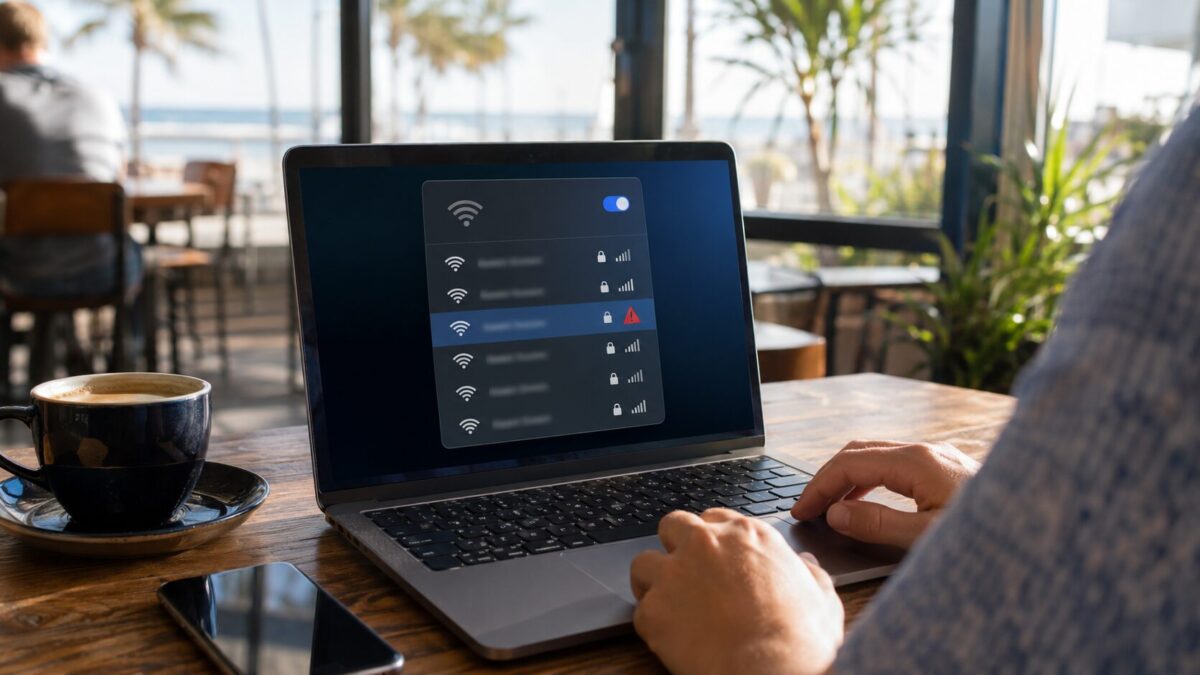
Most Fort Myers businesses do put up a guest network, which is the right instinct. The trouble is how it’s wired. A lot of the time the guest Wi-Fi and the business Wi-Fi are really the same network with a friendlier name slapped on, or they’re split in name only. So a customer in your lobby, or anybody sitting in the lot with a phone, ends up on the same network as your registers and your file server.
Guest traffic needs to be walled off from the stuff that matters. Your point of sale, the work computers, the backups, none of it should be reachable from the network you hand out to visitors. Around here that matters more during season, when you’ve got more foot traffic and more strangers connecting than usual. Some businesses go further and put guest access on a totally separate internet line, which isn’t a bad call if you’ve got the customers to justify it. At a bare minimum the two sides should never see each other.
Wi-Fi security in Fort Myers starts with the boring stuff
None of these fixes are fancy. Most cost nothing but an afternoon and a little attention.
Start with the router login. Not the Wi-Fi password, the admin password you use to get into the router settings themselves. A shocking number of them are still sitting on admin/admin or password, and that’s the first thing anyone tries. Change it to something long and don’t reuse it anywhere else.
Move everything over to WPA3 if your equipment supports it. It’s the current encryption standard for Wi-Fi and a real step up from the older WPA2 that most networks still run on. If your router can’t do WPA3 at all, that tells you something about how old the router is.
Keep the firmware updated. Router makers patch security holes, but the patch only helps if somebody actually installs it, and on most small business networks nobody ever does. Those updates can sit ignored for years while the hole stays wide open.
Change the default network name while you’re in there. Leaving it as the manufacturer name basically tells an attacker which hardware you’re running and which known weak spots to go try. And get a real list of what’s connected. Half the time there’s a device on there nobody recognizes, which is either a forgotten tablet or the start of a bad day. While you’re at it, turn off WPS, that push button pairing feature. It’s been a known weak point for years and you don’t really need it.
One more thing while you are thinking about the network: a locked down WiFi setup does not help much if your only internet line goes dark for three days after a storm. We covered backup internet options for Fort Myers businesses separately, and the two projects pair well since they touch the same router.
Need a hand locking down your network?
If you got through all that and realized you’re not even sure what encryption your office is running, that’s normal, and it’s fixable in an afternoon. We do this for businesses across Fort Myers, Cape Coral, Bonita Springs, and Naples. We’ll come look at how your network is actually set up, find the gaps, and get the guest side properly separated from the side that runs your business.
Wi-Fi is one of those things that works fine right up until the day it really doesn’t. Better to sort it out on a slow afternoon than after something already got in. Call HenkTek at (239) 234-2334 or reach us through our contact page and we’ll take a look. You can see the rest of what we handle over on our homepage.

HenkTek is a local IT company in Fort Myers that looks after the technology Southwest Florida businesses depend on, from Cape Coral and Bonita Springs to Naples. We handle managed IT, cybersecurity, backups and help desk support, and we explain things in plain English.