

Microsoft ended free Windows 10 support on October 14, 2025. Nine months later, we still walk into offices around Fort Myers where every machine in the building runs it. The computers work fine, the staff knows where everything is, and nobody wants to spend money replacing hardware that isn’t broken.
Here’s the problem. Every one of those machines has gone since October without a single security patch. Criminals know exactly how many businesses are in that boat, and they build attacks for the holes Microsoft is no longer fixing.
What happens to a PC nobody patches
Nothing dramatic on day one. That’s the trap. The machine boots, email loads, invoices go out. But every month Microsoft publishes fixes for Windows 11, attackers reverse engineer those patches and check whether the same flaws exist in Windows 10. When they do, and they usually do, unpatched machines become the easiest targets on the internet.
The stakes for a small shop are ugly. Small businesses reported an average breach cost around $254,000 this year, and a lot of the ones that get hit never fully reopen. An unsupported operating system is the kind of gap those numbers hide behind.
It also got worse this summer. The Secure Boot certificates that shipped with most PCs back in 2011 started expiring in June 2026, and machines that never received the certificate updates can lose boot protections entirely. An old PC that hasn’t seen an update since last fall is exactly the kind of machine that missed them.
There’s a paperwork side too. Cyber insurance carriers now ask about unsupported operating systems on renewal forms, and a claim can get denied if the breach walked in through software the vendor stopped patching. A medical or legal office keeping records on an unsupported system has a HIPAA conversation waiting to happen.
Your Windows 10 support options in Fort Myers
You’ve got three real choices, and the right one depends on the machine.
Buy time with Extended Security Updates. Microsoft sells ESU to businesses at $61 per device for the first year, and the price doubles every year after that, running through October 2028 at the latest. It’s a bridge, and Microsoft priced it like one. Worth paying for a machine that runs specialized software you can’t move yet. Not worth paying across a whole office.
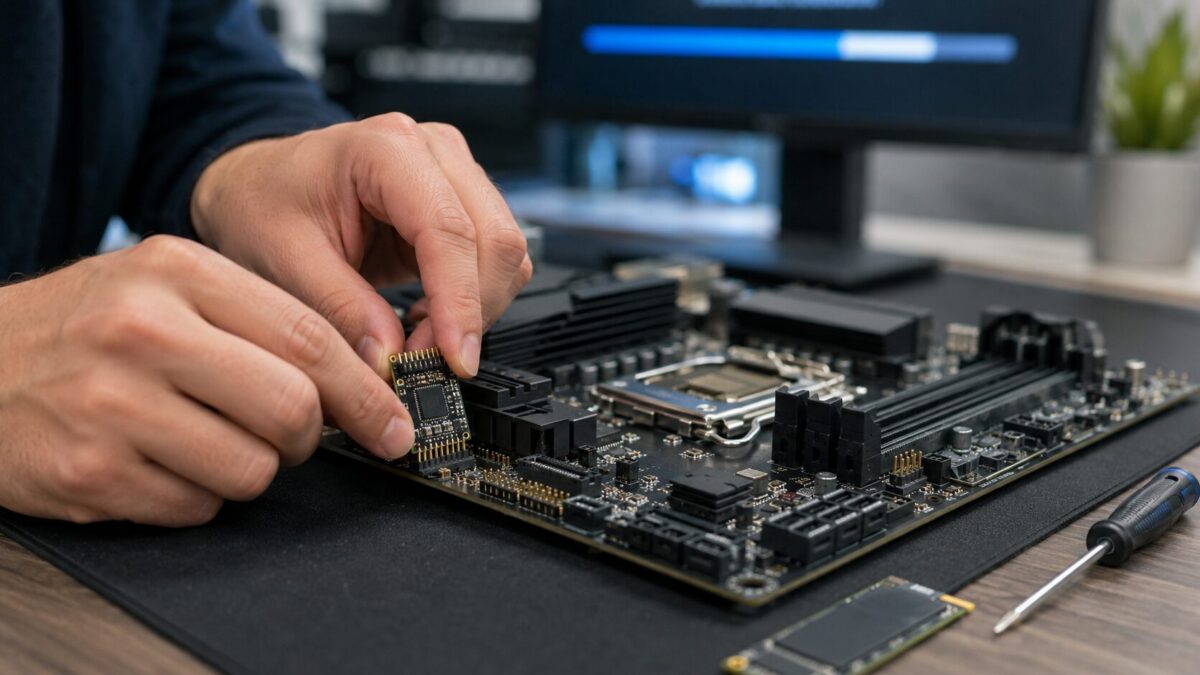
Upgrade to Windows 11 where the hardware allows. The upgrade itself is free. The catch is the hardware requirements, a TPM 2.0 chip and a reasonably recent processor. Some desktops just need the TPM module switched on in the BIOS, or a cheap chip added to the board. A 15 minute check tells you which machines qualify.
And replace what can’t make the jump. For computers stuck on 2015 era hardware, put the ESU money toward new equipment instead. We put together a list of solid business laptops under $1,000 that handle Windows 11 without wrecking the budget.
How to sort this out without downtime
Start with a count. Most owners we talk to in Cape Coral and Bonita Springs guess wrong about how many Windows 10 machines they still have, usually low. Check Settings then About on each PC, or let someone scan the network and hand you the list. From there it’s triage: which machines upgrade free, which need a small part, which retire.
Then schedule the swaps around your slow season. Plenty of Southwest Florida businesses catch their breath in late summer, which makes July and August a good window to rotate hardware before season picks back up. Microsoft’s own end of support page covers the official timeline, and the ESU details on Microsoft Learn let you compare costs yourself.
Get off borrowed time
HenkTek handles this whole cycle for offices across Fort Myers, Cape Coral, Bonita Springs and Naples: the inventory scan, TPM checks, in place upgrades, data migration to new machines, and safe disposal of the old ones. Most small offices get through it in about a week without losing a working day.
Call (239) 234-2334 or book a free consultation and we’ll tell you which of your machines can upgrade for free. That part costs nothing to find out.

HenkTek is a local IT company in Fort Myers that looks after the technology Southwest Florida businesses depend on, from Cape Coral and Bonita Springs to Naples. We handle managed IT, cybersecurity, backups and help desk support, and we explain things in plain English.