

Your screen keeps filling up with popups. Fake McAfee warnings saying your subscription expired. “Your computer is infected, click here.” Prize wheels, sketchy ads, virus alerts that won’t go away no matter how many times you close them. They even show up when your browser is closed.
First thing to know: you’re probably not infected, and you don’t need to pay anyone. This is one of the most common scams going right now, and once you know the trick it’s usually a five minute fix. We deal with this one for Fort Myers business owners just about every week.
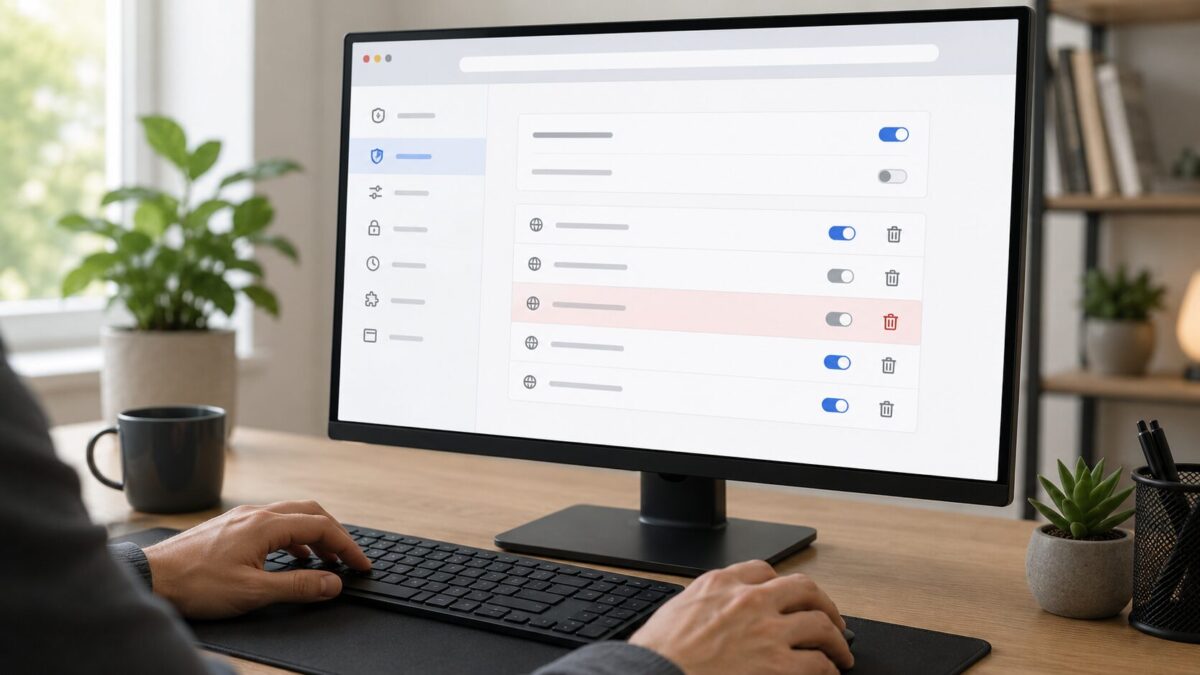
If you searched “pop ups all over my screen,” this is probably why
People land here after typing things like “mcafee popups all over my screen,” “how do I stop pop ups on my computer,” or “virus pop up won’t go away.” Those all point to the same thing, and it’s almost never a real virus.
At some point you were on a website and a little box slid down from the top of the screen. Something like “This site wants to show notifications,” with an Allow button and a Block button sitting side by side. You clicked Allow. Maybe by accident, maybe because a page told you to click it to “prove you’re human” or to keep watching a video.
What actually happened to your computer
That box is your browser’s notification system. Every browser has one, Chrome, Edge, Firefox, Safari. Legit sites use it fine, your bank or calendar might send a real alert. Scam sites abuse it. The second you hit Allow, that site can fire popups at your device whenever it wants, closed browser and all.
The fake McAfee ones are everywhere lately. They copy McAfee’s logo and colors and tell you your subscription expired or a virus was found, then push you to “renew” on a fake page or call a phone number. It’s all fake. McAfee doesn’t work through random popups like that, and a real virus warning never comes with a phone number to call.
Here’s the part that catches everyone. Nothing is installed on your machine and your browser isn’t broken. You just gave a bad website a key, and now its walking in the front door. So you don’t remove a virus. You take the key back.
How to stop the pop ups: remove the notification permission
Whatever browser you use, the idea is the same. Go into the notification settings, find the junk site that has permission, and kick it out. Popups stop.
Chrome
Paste this into the address bar and hit Enter:
chrome://settings/content/notifications
You’ll see a list of sites allowed to send notifications. Look for anything you don’t recognize, usually weird looking web addresses. Click the three dots next to each one and pick Remove. Not sure if a site belongs? Remove it anyway, nothing bad happens. Worst case a site you actually like asks again later. While you’re there, turn off “Sites can ask to send notifications” at the top.
Microsoft Edge
Paste this in and press Enter:
edge://settings/content/notifications
Same drill. Find the junk in the Allow list, click the three dots, choose Block or Remove.
Firefox
Menu (three lines, top right), then Settings, then Privacy & Security. Scroll to Permissions, find Notifications, click Settings next to it. Set the bad sites to Block or remove them, then save.
On your phone
Phones get hit too. Chrome on Android: three dots, Settings, Site settings, Notifications, then clear out anything you don’t trust. iPhone: open the Settings app, find Safari, and check notification permissions there. Same idea, take the permission away.
Don’t do these things
Don’t click anything inside the popup, not even the X. Scammers love hiding downloads and redirects behind that X button. Close the whole tab or window instead, using your browser’s own controls. Don’t call any phone number in a virus warning, that’s always the scam. And don’t “renew” a McAfee subscription from a popup. If you’re worried about your antivirus, open McAfee from your Start menu or go straight to mcafee.com yourself, never through a popup link.
The FTC has a good writeup on these tech support popup scams if you want to read more on the warning signs.
How to keep it from happening again
The whole thing falls apart if you never hit Allow. So when a website you don’t know asks to send notifications, click Block or just close the tab. No normal site needs to send you desktop alerts. If a page claims you HAVE to allow notifications to continue, that’s your cue to leave. A decent ad blocker helps too, since it stops a lot of these redirect popups before they load.
When it’s actually something worse
Most of the time, clearing notification permissions fixes it completely. But if you also downloaded and ran something you shouldn’t have, there could be real adware on the computer. If you’ve cleared the notifications and the popups still won’t quit, that’s when a proper malware scan is worth it.
Still stuck? HenkTek can clean it up
If you’re in Fort Myers, Cape Coral, Bonita Springs, or anywhere in Southwest Florida and the popups still won’t stop, or you just want someone to confirm your machine is actually clean, reach out to HenkTek. We handle computer cleanup, malware removal, and IT support for local homes and small businesses. Annoying problem, usually a quick fix. Learn more about what we do over at henktek.com.

HenkTek is a local IT company in Fort Myers that looks after the technology Southwest Florida businesses depend on, from Cape Coral and Bonita Springs to Naples. We handle managed IT, cybersecurity, backups and help desk support, and we explain things in plain English.