

Most IT companies in Southwest Florida won’t put a price on their website. We get why (every office is a little different), but it leaves owners guessing, and guessing tends to go one of two ways. You overpay, or you sign the cheap plan and find out during your first ransomware scare what it didn’t cover.
So here are the numbers. If you searched for managed IT cost Fort Myers and kept landing on “request a quote” forms, this is the page we’d want you to read before you talk to anyone, us included. The ranges below come from 2026 pricing that providers in Tampa, Orlando and South Florida have published, lined up against what’s normal here in Lee County.
Managed IT cost Fort Myers offices can expect in 2026
For a fully managed plan (monitoring, security tools, backup, patching, a help desk, and someone who plans ahead for you), most small offices here pay somewhere between $100 and $175 per user per month. Up the road, Tampa providers put the range at $100 to $250, with most businesses landing between $150 and $200. South Florida runs higher, around $160 to $250 a user, which makes sense with Miami rents and wages.
You’ll see plans advertised at $80 or $90 a user too. Some are fine for a very simple office. Most get to that price by leaving something out, and we’ll get to what usually goes missing in a minute.
Here’s what managed IT cost Fort Myers offices tend to see as a monthly bill, before any onboarding fee:
| Office size | Standard plan | With HIPAA or FTC compliance |
|---|---|---|
| 5 users | $500 to $875 | $625 to $1,175 |
| 10 users | $1,000 to $1,750 | $1,250 to $2,350 |
| 20 users | $2,000 to $3,500 | $2,500 to $4,700 |
| 35 users | $3,500 to $6,125 | $4,375 to $8,225 |
Compliance means HIPAA for a dental or medical office, or the FTC Safeguards Rule for accountants and tax preparers. Those plans cost more because there’s more work in them: access logging, encrypted email, a written risk assessment, and the paperwork an auditor or insurer will ask to see.
Budget for a one time onboarding fee on top. Most providers charge somewhere between half a month and a full month of fees to get in, document everything, and clean up whatever the last IT person left behind. If a quote says onboarding is free, ask where that cost went.
Per user, per device, or one flat fee
Per user is the most common model now, and it’s the one we’d pick for most offices. One person usually has a laptop, a phone with work email on it, and a Microsoft 365 account, so pricing by the person covers all of it without anybody counting gadgets.
Per device pricing still shows up, usually $50 to $100 per computer, with servers and firewalls billed separately at a higher rate. It can come out cheaper where several people share one PC, like a front desk or a shop floor terminal. It gets messy fast once people start working from home on a second machine.
A flat monthly fee for the whole office is the easiest to budget. That’s fine if your headcount doesn’t move much. If you hire up in the winter and cut back in the summer (plenty of seasonal businesses in Fort Myers and out on Sanibel do exactly that), make sure the contract spells out how the price changes when you add or drop people.
What pushes the price up
Four things move a quote more than anything else:
- Compliance work, covered above. Figure $25 to $60 more per user.
- After hours coverage. A business hours help desk is standard. A plan that picks up at 2 a.m. on a Saturday costs more, and it’s only worth paying for if somebody at your company is working then.
- Old or mixed equipment. Six laptop brands, a Windows 10 machine nobody wants to replace, a 2017 server in the closet. All of it is extra work and it lands in the price.
- Onsite time. Some plans include visits and others bill them by the hour. If your office is in Bonita Springs or Naples and the provider is based in Tampa, find out who actually shows up when a switch dies.
One line worth asking about down here is hurricane prep. A good plan in Southwest Florida includes offsite backup you’ve tested restoring from, plus a way to keep working when the office is dark for a week. After Ian and Milton, nobody around here should be treating that as an add-on.
Red flags in a cheap quote
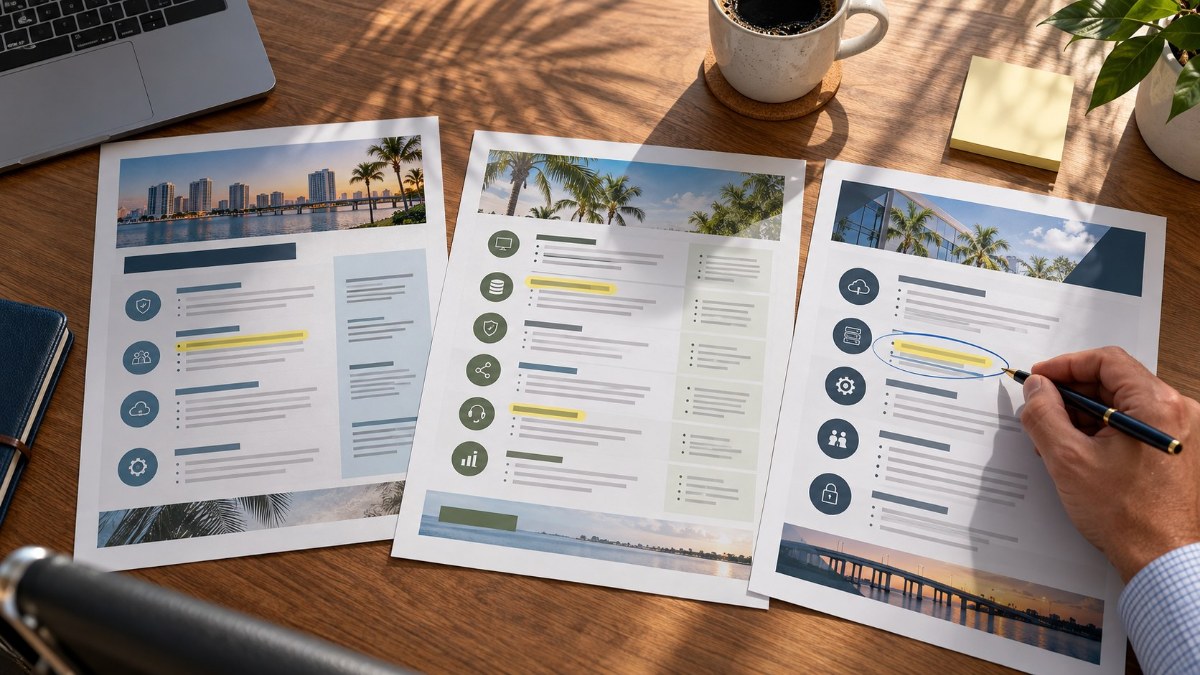
When a quote comes in well under $100 per user, read the line items slowly. These are the gaps that show up most often:
- Backup that’s really just OneDrive sync. Sync happily copies encrypted ransomware files right along with everything else. You want a separate backup with its own history.
- Plain antivirus listed where you’d expect endpoint detection and response (EDR).
- No mention of multifactor authentication, or MFA sold as an extra.
- Every onsite visit billed hourly on top of the monthly fee.
- A three year term that renews on its own unless you cancel inside a 60 or 90 day window.
CISA publishes a free checklist of the basics every small organization should have, called Cyber Essentials. Hold any quote up against it. If half of it isn’t covered, the low price makes sense. Your insurance carrier will ask about most of the same items at renewal, too (here’s what carriers want to see in 2026).
When managed IT isn’t worth it yet
We’ll say this even though it costs us work: a two or three person office with newer laptops and everything in the cloud is often better off paying by the hour. Our remote rate is $125 an hour and onsite starts at $150 for the first hour (the full rate sheet is here). A handful of calls a year won’t come close to the cost of a managed plan.
The math flips somewhere around five users, or sooner if you handle patient or financial data. We walked through a real year of invoices for a 10 person office in our break-fix vs managed IT comparison, and the hidden costs surprise most owners.
Already have an IT person on staff? Look at co-managed IT. You keep your person and pay a smaller monthly fee for the monitoring, security and backup they never have time for.
Get a real number for your office
HenkTek works with offices in Fort Myers, Cape Coral, Bonita Springs and Naples, and we’ll give you an actual monthly figure after a short call. Bring a competitor’s quote if you have one. We’ll go through it line by line and tell you what’s missing, even if you end up signing with them.
Call (239) 234-2334 or send us a message. You can also see what’s included in our managed IT plans or head back to the HenkTek homepage.