

Affiliate disclosure: the YubiKey link below is an Amazon affiliate link. If you buy through it, HenkTek earns a small commission at no extra cost to you.
Somebody at nearly every small office in Fort Myers keeps the Wi-Fi password, the bank login and the QuickBooks password on a sticky note. Usually it’s the front desk. A password manager fixes that, and picking a password manager Fort Myers offices can roll out in one afternoon comes down to two names: Bitwarden and NordPass.
It’s October, which is Cybersecurity Awareness Month (we put together 5 quick wins earlier this month), so this is a decent week to stop putting it off. Here’s how the two compare for an office of 5 to 25 people in Fort Myers, Cape Coral or Naples, what each costs, and the one setup step that matters more than the brand you pick.
Why sticky notes and shared spreadsheets fail
Reused passwords are how one hacked shopping account turns into a hacked Microsoft 365 login. We covered the dark web side of that already, so the short version: if three people share one login and one of them reuses it somewhere else, you’ve lost control of it and you won’t know when.
A password manager gives each person a long, unique password for every site and fills it in for them. Nobody memorizes anything except one strong master passphrase. CISA recommends exactly this on its strong passwords page, and it’s the cheapest control on the list.
Bitwarden or NordPass: the short answer
Pick Bitwarden for most small offices. It costs less where it counts, the code is open source (outside researchers can read it), and the Teams plan already includes directory sync, SCIM provisioning and event logs. NordPass is the better fit if your staff will balk at anything that looks like IT software. Its interface is cleaner, and the Business tier adds a data breach scanner and password health reports that Bitwarden Teams doesn’t have.
What each one costs
Bitwarden lists Teams at $4 per user per month and Enterprise at $6, billed annually, with a free trial. Ten people on Teams comes to $480 a year.
NordPass is harder to pin down. Third party roundups put its Business tier between $3.59 and $5.99 per user per month depending on the term, with a 5 user minimum, but the NordPass pricing page was loading prices dynamically when we checked, so confirm the number there before you budget. Either way, a ten person office lands at a few hundred dollars a year.
Where the two actually differ
Single sign on is the upsell on both. Bitwarden keeps passwordless SSO in Enterprise. NordPass Teams only supports Google Workspace, so a Microsoft 365 office (which is most of the ones we see around Southwest Florida) needs NordPass Enterprise to connect Entra ID. If you don’t need SSO, skip it and stay on the lower tier.
Sharing works differently too. Bitwarden Teams has collections, so you can put the payroll and bank logins in one place and give two people access. On NordPass, group and folder based sharing starts at Business, while Teams only does basic secure sharing. And Bitwarden Enterprise gives every employee a free Families plan for personal passwords, which helps more than it sounds, since a lot of work passwords get reused from home accounts.
Setting up a password manager Fort Myers staff will actually use
The brand matters less than how you roll it out. We’ve seen offices buy seats and then watch half the staff never log in. This order works:
- Move the shared logins first (Wi-Fi, bank, payroll, QuickBooks, the domain registrar) into one shared collection or folder owned by the office manager, not by a single employee.
- Turn on two step login for every vault, starting with the admin account.
- Have each person import the passwords saved in their browser, then switch off the browser’s own password saving.
- Pick a date and retire the sticky notes. Say it out loud at a staff meeting, because otherwise they stay.
One more thing before step four: decide who can reset the admin account if the owner is out. Both tools have recovery options, but they only work if somebody set them up before the bad day. Print the recovery details and put them in the office safe (a real safe, not the desk drawer). It takes five minutes and it’s the part everybody forgets.
For the owner or whoever holds the admin seat, a hardware key is worth the money. Our YubiKey 5 review covers how it works, and the YubiKey 5C NFC was $58 on Amazon when we checked this week.
Offboarding is where it pays off
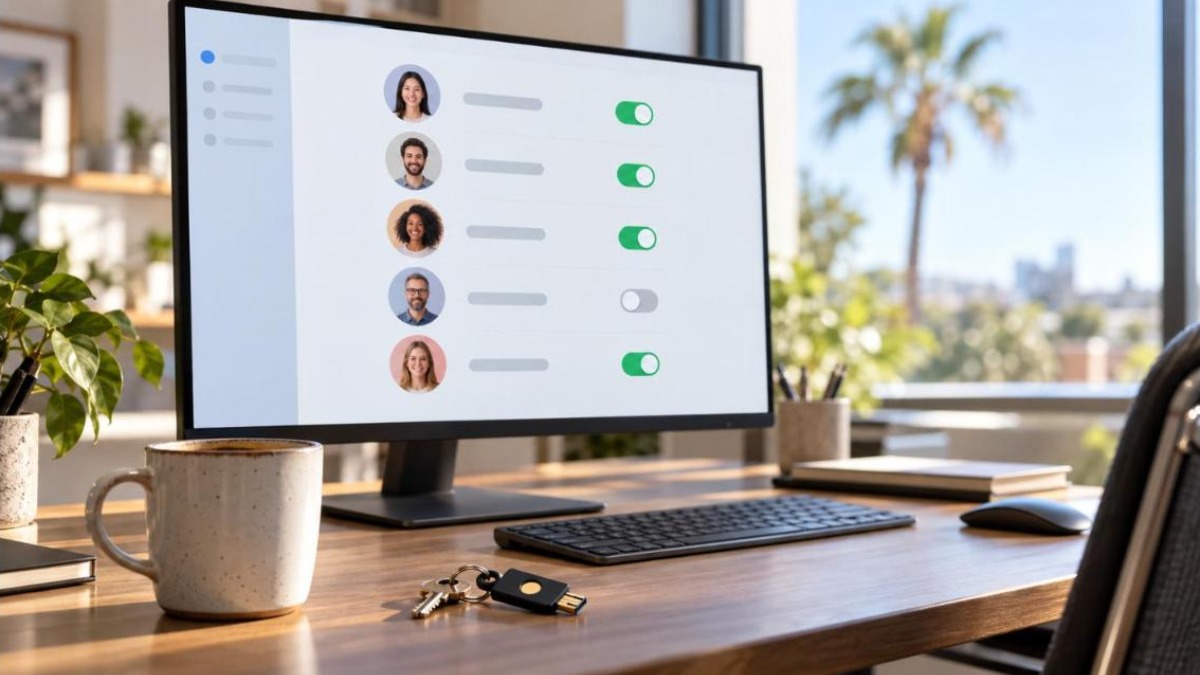
When someone quits, you disable their seat and change the shared passwords they could see. Without a manager that means guessing which logins they ever knew. With one, the admin screen lists exactly what they had access to, and you work through the list in ten minutes.
The same thing helps after a storm. When half your team is working from a relative’s house in Bonita Springs, an encrypted vault on a phone beats a notebook that stayed at the office.
Need help with a password manager in Fort Myers?
HenkTek sets these up for offices in Fort Myers, Cape Coral, Bonita Springs and Naples: choosing the plan, importing the shared logins, turning on MFA and training the staff so it sticks. Our security awareness training covers the human side, and the cybersecurity services page lists the rest.
Call us at (239) 234-2334 or book a free assessment. You can also start from the HenkTek homepage.