

Someone on your team leaves a laptop on the passenger seat while they run into Publix on Colonial. Window gets smashed. Bag’s gone. That’s the whole story, and it plays out in Fort Myers and Cape Coral more often than the police blotter suggests, because most of the time nobody reports the laptop, just the break in.
Before you buy the next laptop: BitLocker needs Windows Pro. Home does not include it, which is how a $600 machine from a big box store ends up carrying client files with nothing standing between them and whoever finds the bag, so check the edition on the sticker before you buy. Our current picks are in business laptops under $1,000 for small teams.
What happens next depends on one setting. If the drive was encrypted, you’re out a $900 laptop and an afternoon. If it wasn’t, you may be looking at a reportable data breach under Florida law, a letter to every client whose info was on that machine, and a very awkward month. Laptop encryption in Fort Myers offices is one checkbox. It’s a checkbox most of them never got around to.
Here’s what encryption does for you, why the Florida statute cares about it, and how to turn it on across your office this week.
What a thief can do with an unencrypted laptop
The login password doesn’t protect the files. That surprises a lot of business owners. Windows asks for a password at the lock screen, so it feels locked, but the drive underneath is readable by anyone who pulls it out and plugs it into another computer (a $12 USB adapter from Amazon does the job). Or they boot from a USB stick and browse the folders like it’s a thumb drive. Ten minutes, no skill required.
So everything on that laptop is theirs. Cached Outlook mail going back years. The QuickBooks file. Saved browser passwords. Patient intake forms if you’re a dental office in Bonita Springs, closing documents if you’re a title company, W-2s if you’re the bookkeeper. And the saved Wi-Fi password to your office network, which is the part people forget about.
Full disk encryption scrambles the entire drive. Pull it out, boot from USB, doesn’t matter. Without the key, the drive is noise.
Why laptop encryption in Fort Myers is a legal question too
Florida’s breach law is the Florida Information Protection Act, section 501.171 of the state statutes. When personal info gets exposed (names paired with Social Security numbers, driver’s license numbers, account numbers, medical info, that kind of thing) you have 30 days to notify every affected Florida resident. If more than 500 Floridians are involved, you notify the Attorney General’s office as well. Miss the window and the penalties run $1,000 a day for the first 30 days.
The bit that matters for a lost laptop is the definition. The statute’s idea of personal information leaves out data that’s encrypted. A stolen laptop with a properly encrypted drive usually isn’t a breach at all in the eyes of the law, as long as the recovery key wasn’t taken with it (don’t tape it to the lid). The same logic shows up in HIPAA’s breach rules for medical offices and in most cyber insurance applications, which now ask point blank whether portable devices are encrypted. Answer no and you’ve got either a higher premium or a denied claim waiting for you.
So a stolen unencrypted laptop with client data on it means a 30 day clock, notification letters, credit monitoring offers, and a phone call to your carrier you’d rather not make. A stolen encrypted laptop means a police report and a new laptop.
Turning it on: Windows, Mac, and the recovery key problem
On Windows the feature is BitLocker. It’s built into Windows 10 and 11 Pro and it has been sitting there, switched off, on most small business laptops for a decade. Windows Home gets a lighter version called Device Encryption, and since the 24H2 update Microsoft turns that on by default on new machines when you sign in with a Microsoft account. Good news, mostly. Keep reading.
Macs call it FileVault. System Settings, Privacy and Security, FileVault, turn it on. Apple silicon Macs already encrypt the drive at the hardware level, but FileVault is what ties that encryption to a password, so it still needs to be on.
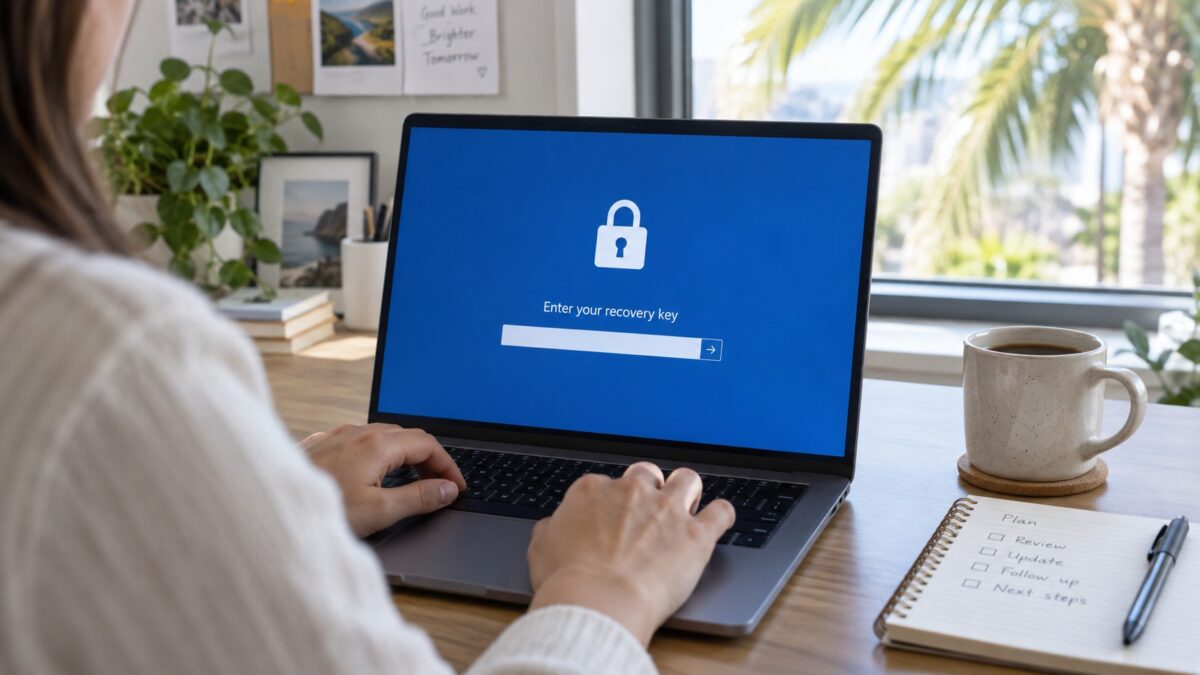
Now the part that goes wrong. Every encrypted drive has a recovery key, a 48 digit code that unlocks it if the computer forgets its own password (a firmware update, a swapped motherboard, a flaky TPM chip, it happens). Lose that key and the data is gone. We’ve seen this in Naples more than once: an office turns on BitLocker themselves, feels great about it, and eight months later a laptop asks for a recovery key after a Windows update and nobody knows where it is. The encryption worked exactly as designed. Against the owner.
So the rule is that keys get stored somewhere central before you flip anything on. For an office with Microsoft 365 Business Premium that means Entra ID and Intune, where every device’s key is escrowed automatically and you can also wipe the laptop remotely the moment it goes missing. For Macs, Apple Business Manager plus an MDM does the same. For a three person shop without any of that, the keys go in your password manager under a shared vault at minimum, and someone other than the person using the laptop knows where they are.
A one week plan for a small office
- Make a list of every laptop that leaves the building, including the owner’s personal one with the QuickBooks file on it (there’s always one).
- Check each machine. On Windows, run manage-bde -status from an admin command prompt, or just look for the padlock on the C: drive in File Explorer. On a Mac, check the FileVault line under Privacy and Security.
- Set up key storage first. Intune, Apple Business Manager, or the shared password vault. Decide before step 4.
- Turn it on. BitLocker takes an hour or two per machine in the background and people can keep working while it runs.
- Confirm the keys landed where you think they did. Pull one up. Actually read it.
- Write down what happens when a laptop goes missing: who gets called, how to trigger the remote wipe, which saved passwords get changed. Our post on the first 24 hours after a breach covers the bigger picture.
One more thing. Encryption protects a laptop that’s off or locked. It does nothing for a laptop sitting open on a coffee shop table while someone goes back for a refill. Set the screen lock to five minutes and make it stick.
Want us to check your laptops?
HenkTek sets up laptop encryption and key escrow for small offices across Fort Myers, Cape Coral, Bonita Springs, and Naples, usually as part of our cybersecurity services where the keys, the remote wipe, and the screen lock policy all come standard. If you’re not sure whether your laptops are encrypted right now, we’ll check for free and tell you plainly. Call (239) 234-2334 or send us a note.

HenkTek is a local IT company in Fort Myers that looks after the technology Southwest Florida businesses depend on, from Cape Coral and Bonita Springs to Naples. We handle managed IT, cybersecurity, backups and help desk support, and we explain things in plain English.